
Structured Approvals Built Into Your Editorial Workflow

Stop chasing approvals across email threads. Mole's editorial workflow for client collaboration unifies content editing, feedback gates, and sign-off in one structured UI.

Request Access

Why Mole

Why Mole is the best editorial workflow for client work

Mole writes the draft, then your editor and the client review it in the same workspace. Comments sit on the exact sentence they're about, every version is kept, and a suggested edit goes in with one click. Once it's approved, Mole publishes it and sends it to Google and Bing for indexing.

Three cases agencies know too well

Where Client Approvals Get Stuck

Case file · 1
Agency content desk
Case 01 / 03

“I rewrote half of it before I could even send it to the client.”

Current reality

The draft came back in the wrong voice with two facts that weren't true. Your editor fixes every line before the client sees anything.

What Mole handles
  • Voice checks for each client
  • Facts checked before review
  • Your editor approves on top

New realityThe draft reaches your editor already checked for voice and facts, so they start from a clean version.


Case file · 2
Agency content desk
Case 02 / 03

“I merged everything, and I'm still not sure I caught their last note.”

Current reality

Their notes are in the doc, the email, and a Slack thread. Your editor pulls them all into one version by hand.

What Mole handles
  • Every comment lands on the draft itself
  • Suggested edits in one click
  • Replies in the same thread

New realityEvery note is already on the draft, so nothing gets lost in the merge.

Case file · 3
Agency content desk
Case 03 / 03

“Which of these is the one they signed off?”

Current reality

The folder has v3, v3-final and v3-final-client. The wrong one goes live, and the client notices first.

What Mole handles
  • Every version kept
  • Who approved it, and when
  • Published from the approved draft

New realityThere's one draft, its history, and a record of who approved it.

Features

What's Inside Mole's Editorial Workflow

The Client Works In The Draft

Your client reviews and comments in the same draft your editor is working on, so their notes land in the piece instead of an email you have to reconcile. Everyone is looking at the same words.

  • Client edits and comments inline
  • Same draft, same moment
  • No copy-paste reconciliation

Your Rules Run Per Client

Set the voice, fact, and compliance checks each client cares about, and they run automatically before the draft reaches the client. The editor approves on top, so the checks do the first pass and you keep the judgment.

  • Checks configured per client
  • Runs before the client sees it
  • Editor approves on top

Edit By Hand Or Ask Mole

Your editor can rewrite a line by hand, ask Mole to rework the AI SEO Content Writer draft, or blend both. Every suggestion is theirs to accept or reject, and a person makes the call.

  • Manual edits take priority
  • Ask Mole to rework a section
  • The editor decides what stays

Comments Live On The Draft

Feedback lands as annotations and comments right on the shared draft, so the reasoning sits next to the words instead of buried in an email thread. Nothing is a mystery at sign-off.

  • Comments and annotations inline
  • The reasoning next to the words
  • No digging through threads

Approve Once, Then It Ships

Approval is a single, named step that ends the loop. Once the client signs off, the draft hands straight to indexing, so the version they approved is the version that goes live.

  • One sign-off closes the loop
  • Approved version is what ships
  • Hands off to indexing

How it works

How Mole Fits Into Your Workflow

Mole drafts, checks and publishes. Your team edits and approves, and the client reviews in the same place.

  1. 1
    The agent

    Draft

    Mole writes the draft from the client's Company Brain.

  2. 2
    You

    Edit

    Your editor edits by hand or asks Mole to revise.

  3. 3
    The agent

    Check

    Mole runs your voice and fact checks for this client.

  4. 4
    Your client

    Client review

    The client comments on the draft and suggests changes.

  5. 5
    You

    Approve

    You accept the changes and approve it.

  6. 6
    The agent

    Publish

    Mole publishes it and sends it to Google and Bing for indexing.

Compare

How Mole's Editorial Workflow Compares

  • Which version is final

    Your Mole agent: One draft, always current

    Generic Doc Editors: A pile of _FINAL_v2 copies

  • Where feedback goes

    Your Mole agent: On the draft, saved

    Generic Doc Editors: Spread across email and chat

  • Voice and fact checks

    Your Mole agent: Run per client, then you approve

    Generic Doc Editors: One quick read over everything

  • Client approval

    Your Mole agent: Its own sign-off step

    Generic Doc Editors: A link, and you hope that means yes

  • Change history

    Your Mole agent: Comments and edits, kept together

    Generic Doc Editors: Old versions, but not the why

  • AI edits

    Your Mole agent: Ask Mole right in the draft

    Generic Doc Editors: Copy into another tool, paste back

  • Where it is stuck

    Your Mole agent: See which step it is waiting on

    Generic Doc Editors: Chase the client to find out

Request Access
Our agency work, run with Mole

See how the method changes across real companies.

View the case studies →
Wonderchat

Wonderchat received its first attributed lead within 14 days. The work connected pages, ChatGPT referral traffic, funnel events, and lead attribution.

Bluente

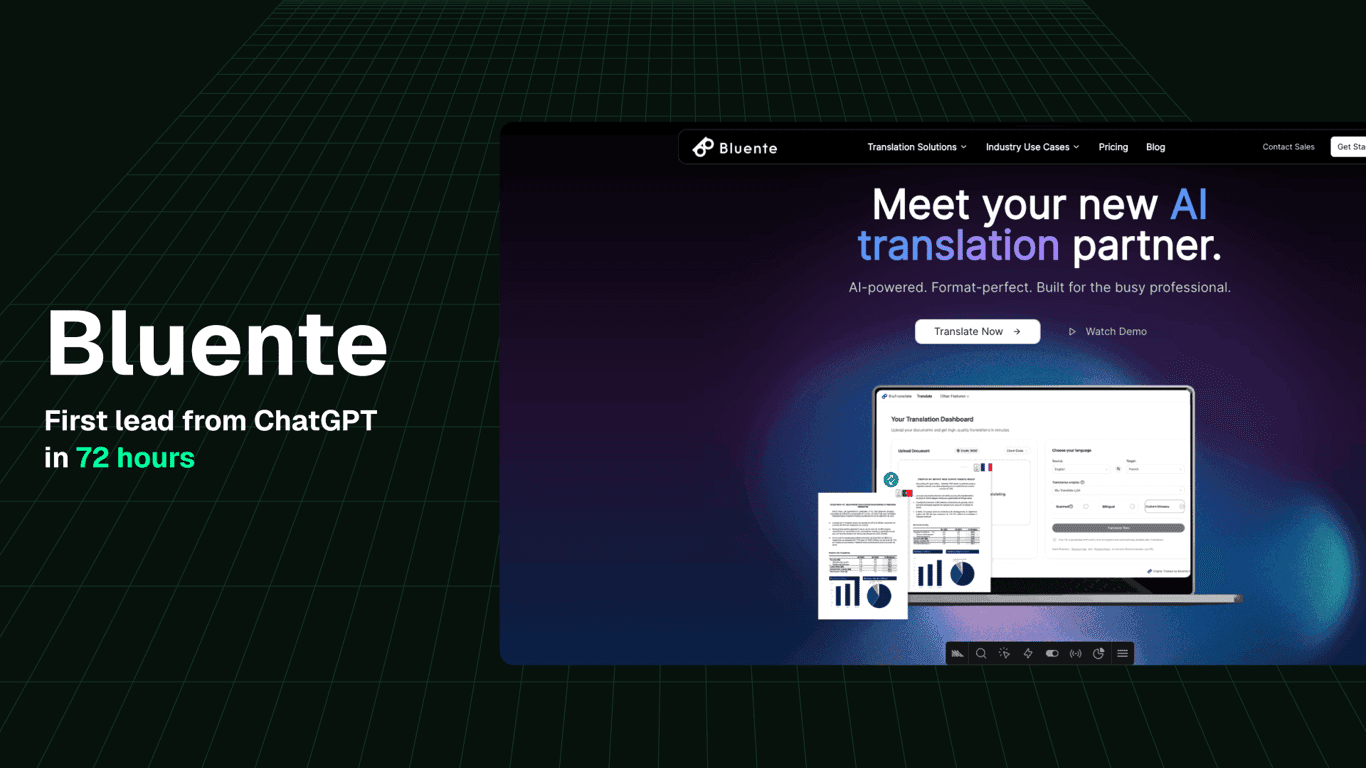
Bluente started ranking on Google within one day. It appeared in ChatGPT recommendations by day three and received a qualified lead.

Kondo

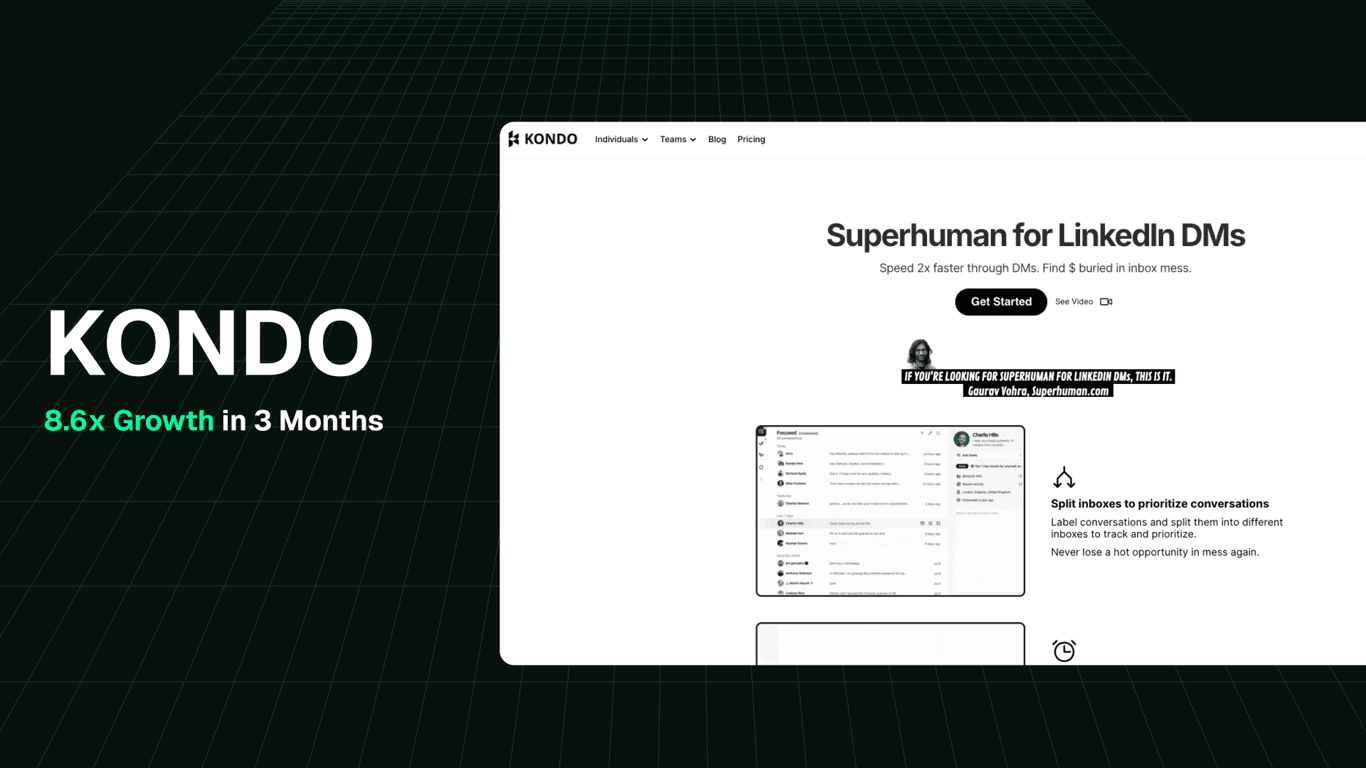
Kondo’s three-month search impressions grew from 130,000 to 1.1 million. Search clicks grew from 5,000 to 10,000 in the same period.

These results came from our agency work, done with Mole before we opened it up.

Questions

Frequently Asked Questions

Real questions from agency teams evaluating client review workflows.

01Does the client need a Mole account to approve content?

The client sign-off step is built into Mole's editorial workflow, so approval happens inside the draft itself rather than as a reply email. Check with the Mole team on the exact client access flow for your specific setup, since access configurations vary from account to account.

02Can my editor still rewrite copy manually, or is everything AI-generated?

The editor can rewrite by hand, ask Mole to rework a passage, or do both in the same draft. The automated voice and fact checks run as a first pass, but a person makes every final call, and manual edits always take priority over anything the checks suggested.

03How is this different from just using Google Docs with a comments thread?

A doc collapses every kind of feedback into one comment stream, and every round of edits spins off a new copy. Mole keeps one shared draft that stays canonical, runs your voice and fact checks for each client, and keeps the comments and edits on the draft itself. The client approves in the same place, so there is a clear, auditable sign-off rather than an implied thumbs-up.

04Does the editorial workflow connect to the AI SEO Content Writer?

Yes. Mole's AI SEO Content Writer produces the initial long-form draft, and the Editorial Workflow for Client Collaboration is the next step in the same platform. The draft moves from generation into review without being exported or copied anywhere, so the handoff is clean and nothing is lost in between.

05What happens if a client requests changes after sign-off?

Because every edit and approval is logged inside the workflow, there is a clear record of what was approved and when. If a client asks for changes after sign-off, the editor can reopen the draft, make the edits, and collect a fresh approval. The history stays intact the whole way through.

Put Every Edit Behind a Check

Run review as separate gates, with the client in the same draft and a reason on every change.

Request Access