

Company Brain

Put your company knowledge to work.

Turn product pages, call notes, and brand guidelines into a shared knowledge base. Mole draws on it when researching and writing about your business.

Why shared knowledge matters

Good work starts with the right background.

Case file · 1
Common briefing problems
Case 01 / 03

“That’s not our pricing anymore.”

Current reality

An old presentation says one thing. The website says another. Your writer has to work out which version to use.

What Mole handles
  • Groups related information on a topic page
  • Keeps references to the original sources
  • Lets your team correct the saved information

New realityYour team has one place to check the product details before using them in new content.


Case file · 2
Common briefing problems
Case 02 / 03

“We’ve already explained how our product works.”

Current reality

Every new article starts with another round of pasting product details, customer notes, and writing guidelines into a prompt.

What Mole handles
  • Saves company knowledge beyond a single chat
  • Makes relevant facts available for content research
  • Keeps writing guidelines alongside product information

New realityYour next request can focus on the new topic, with the background already saved.

Case file · 3
Common briefing problems
Case 03 / 03

“The person who knew this client just left.”

Current reality

Useful details live in someone’s notes and memory. When another person takes over, they have to piece the background together.

What Mole handles
  • Stores knowledge in the client’s workspace
  • Keeps source text for reference
  • Makes topic pages available to the team

New realityA new teammate can read the saved background and follow the sources behind it.

How it works

From scattered sources to useful knowledge.

Share a webpage, paste your notes, or upload a text file. Ask Mole to add the material to your company’s knowledge base.

  • Product pages and documentation
  • Call transcripts and customer notes
  • Brand and writing guidelines

Your company material → saved sources

Step four is the hand-off. The content writer reads this on every draft, and cites the page each fact came from.

Inside Company Brain

Knowledge your team can read and update.

Topic pages keep related facts together, with source references you can follow.

Your company knowledge6 pages

Product

OverviewWhat the product does and who it helps
PricingHow pricing works and what is included
How it worksFrom submitting a claim to receiving payment

Brand guidance

Product comparisonsHow the product differs from alternatives
Writing stylePreferred tone, terms, and wording

Concepts

Import duty refundsHow refund claims work

Saved writing guidelines

No guaranteed refund amounts

No “fastest in the industry”

Pricing
Source
your-client.com/pricing
Saved
12 Oct

Pricing

Performance-based. The client takes a share of what it recovers and charges nothing up front.

Replaces the per-claim fee the old deck describes.

Mole can use this information when researching pricing for an article.

Compare

How Mole compares.

  • Organizing information

    Mole: Turns source material into linked pages by topic

    When comparing tools: Check how it connects notes on the same topic

    Manual briefing: Find the relevant details across separate files

  • Updating knowledge

    Mole: Add new material or edit the saved topic page

    When comparing tools: Check how new information updates existing notes

    Manual briefing: Update documents and resend the background

  • Tracing a source

    Mole: Records source references on knowledge pages

    When comparing tools: Check whether source material is preserved

    Manual briefing: Keep source links and document versions yourself

  • Writing guidelines

    Mole: Saves guidance alongside your company information

    When comparing tools: Check whether the writer can use saved guidelines

    Manual briefing: Include the guidelines in each brief

  • Unanswered questions

    Mole: Records gaps found during product research

    When comparing tools: Check how it handles missing information

    Manual briefing: Identify what is missing and find another source

  • Team handovers

    Mole: Knowledge stays in the workspace when the team changes

    When comparing tools: Check how teammates share and maintain the notes

    Manual briefing: Gather files and explain the background again

Request access
Case study

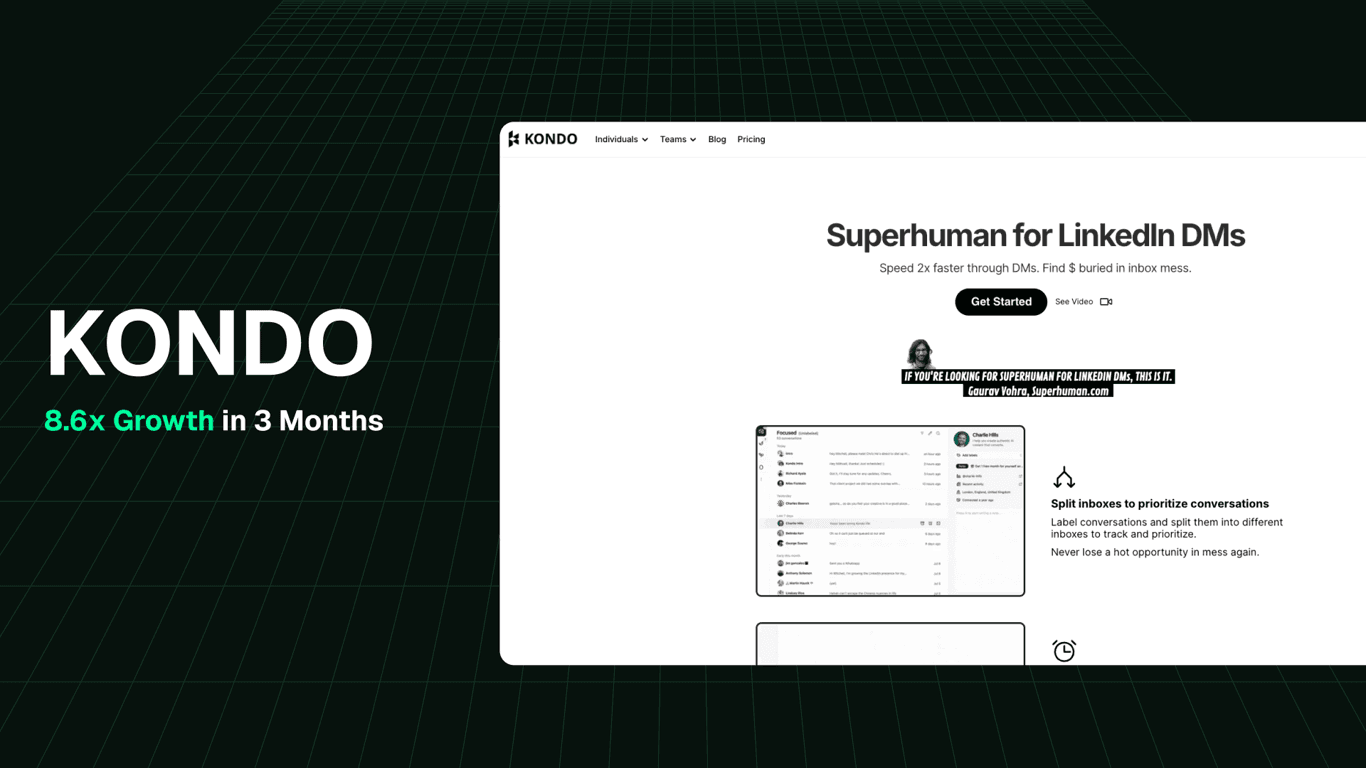
Helping buyers find Kondo.

Kondo’s solution pages began ranking within weeks, helping sales teams and recruiters discover its LinkedIn inbox tool. Read how our team built its search presence.

Questions

Before you get started.

01What can I add to Company Brain?

Share a webpage, paste text, or upload text files such as .txt and .md. Product information, call transcripts, and brand guidelines are useful starting points. Ask Mole to add the material to Company Brain.

02How do I update the information?

Give Mole the new source and ask it to update the relevant knowledge pages. You can also open and edit those pages in the app. Updates happen when you provide new information or make a correction.

03How is this different from pasting context into a prompt?

Company Brain saves reusable information separately from a single chat or brief. Mole can look up relevant facts for content research, with references to the knowledge pages and their original sources.

04Can I save brand and legal guidelines?

Yes. Save writing guidelines alongside your product facts. To check drafts against rules before publishing, also configure and enable Mole’s brand and legal checks.

05What if the saved material cannot answer a question?

Mole records gaps in its product research. Add the missing source or update a knowledge page to give it more context for future work. Your editor still reviews the finished content.

06Can an agency keep separate knowledge for each client?

Yes. Each client workspace has its own saved knowledge. Switch to the client’s workspace to work with their product information, sources, and guidelines.

Give Mole your company context.

Request access to start building a knowledge base for your business or client.

Request access